From the manufacturer, installation included

Self-Service Ordering Kiosks

Let guests browse the menu, order and pay by card without queuing — and send every order straight to the kitchen. With RegeditPos you get kiosk hardware, ordering software, payment integration and installation from a single partner.

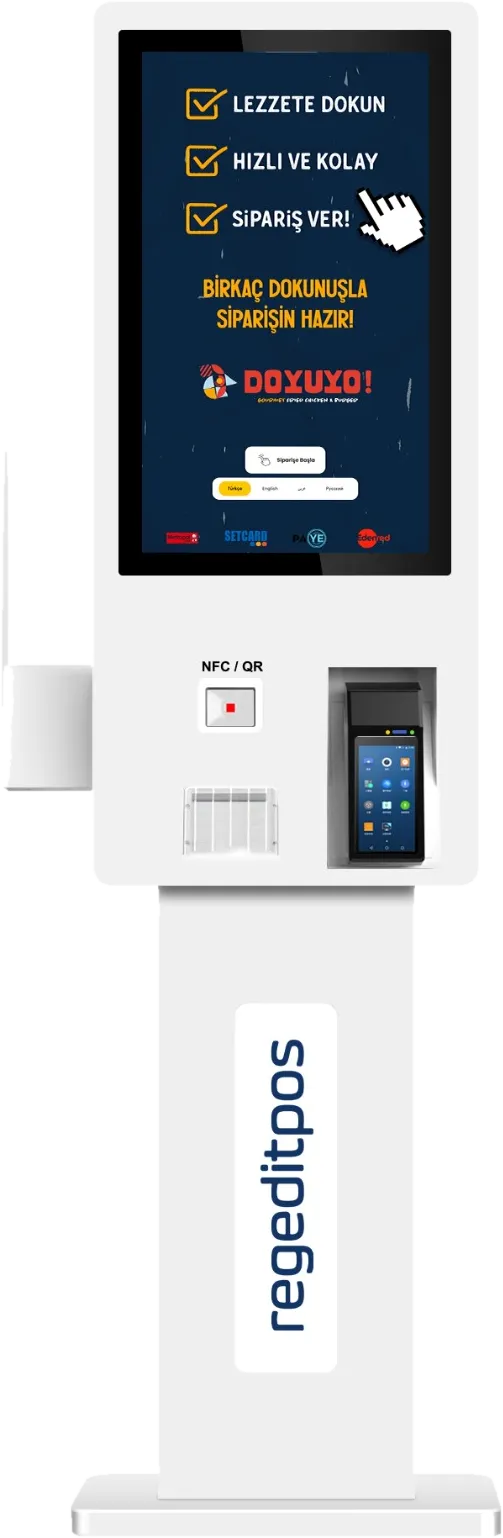
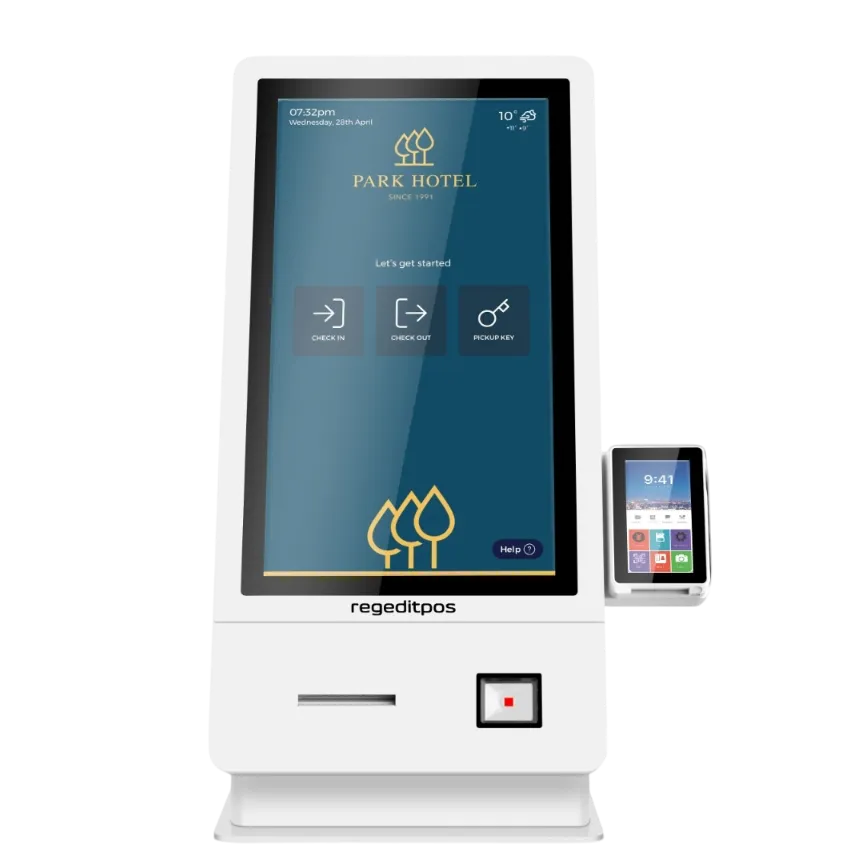
  • 27" floor-standing and 21.5" countertop models
  • Card payments via Pavo and Ingenico terminals
  • On-site installation, staff training and 24/7 support
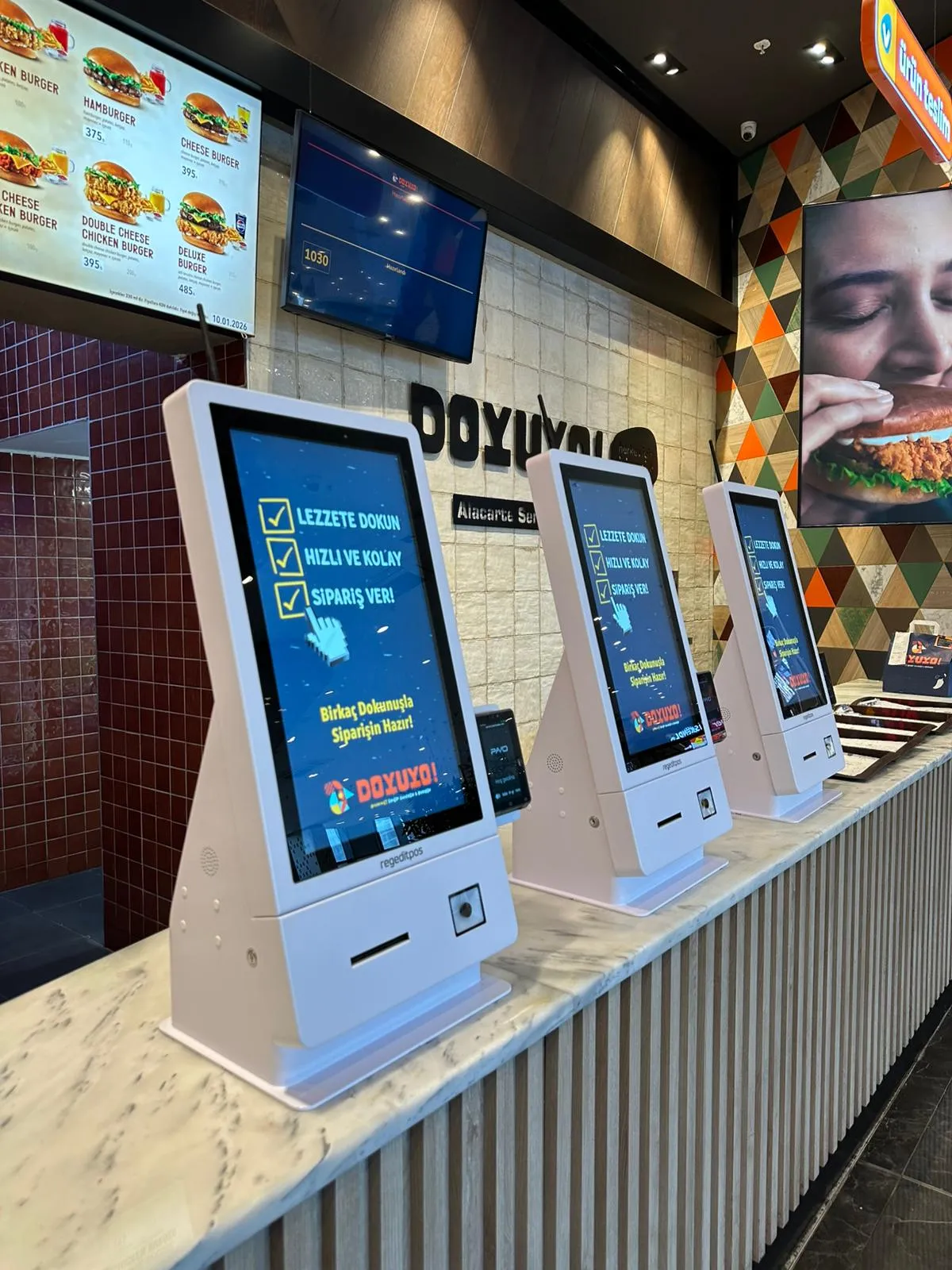
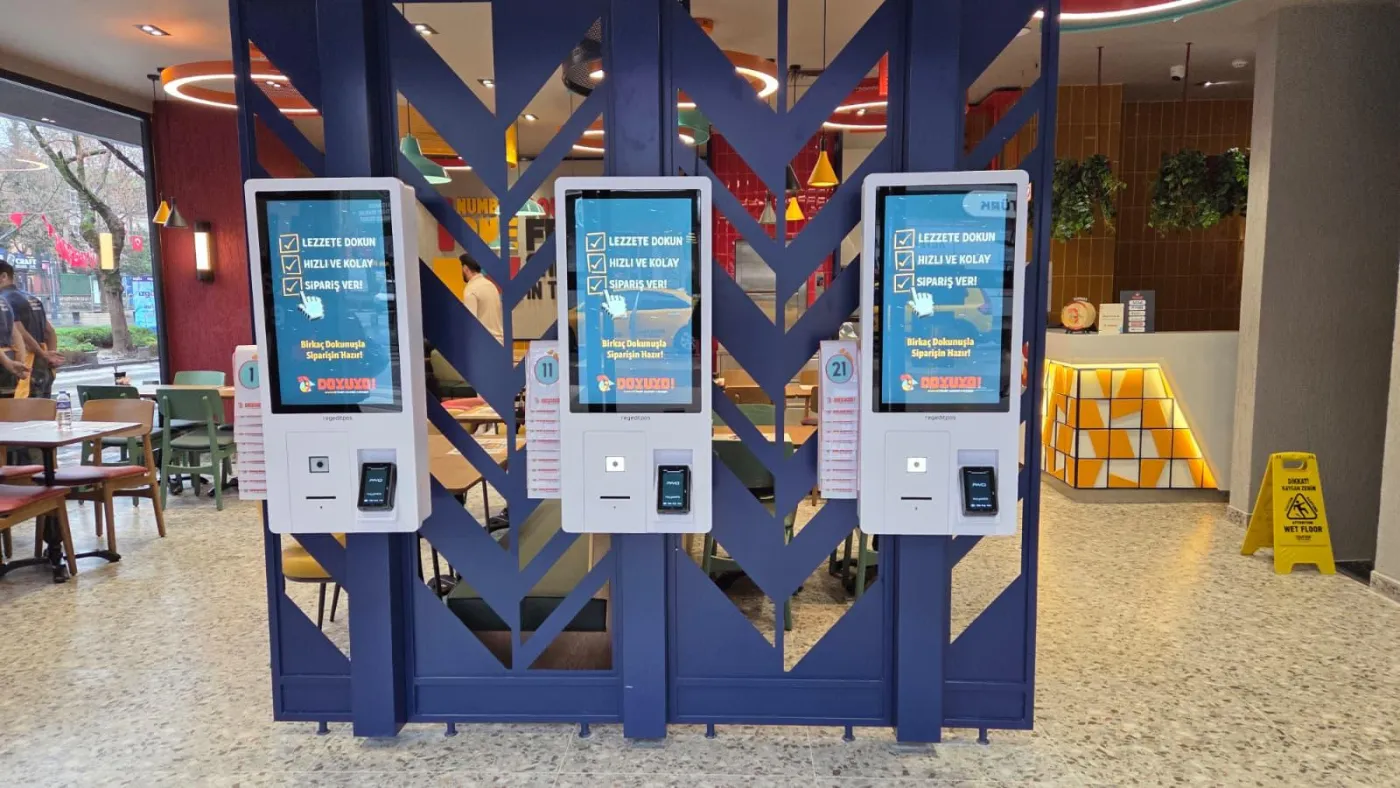
Three RegeditPos self-service ordering kiosks at a Doyuyo restaurant
Years of experience
15+
Orders processed
10M+
Technical support
7/24

What a kiosk brings to your restaurant

A kiosk takes load off the counter without working in isolation: ordering, payment and kitchen production run on one system.

Shorter queues at peak times

Orders spread across several kiosks, so counter staff can focus on payment, hand-over and service.

Accurate orders to the kitchen

Guests choose items, options and notes themselves, reducing mistakes from verbal hand-offs.

Upsell on every order

Menus, combos and add-on suggestions are shown consistently to every guest.

One flow with POS and kitchen

Kiosk orders share the system with POS, kitchen printers and order-number calling.

Central menu updates

Price, product and campaign changes reach every kiosk and branch at once.

Your brand on screen

The kiosk interface is built with your brand colours, imagery and menu structure.

How an order flows from kiosk to kitchen

Every step, from the first tap to hand-over, is recorded in the same system.

  1. Browse

    Guests explore categories, choose products and options, and review their basket.

  2. Pay by card

    Contactless or chip payment via a Pavo or Ingenico terminal mounted on the kiosk.

  3. Receipt & number

    The built-in Epson thermal printer prints the receipt and order number.

  4. Straight to the kitchen

    The order is sent instantly to kitchen printers and preparation screens.

  5. Hand-over & reporting

    Ready orders are called by number; sales appear in central reports in real time.

Kiosk models

Both models run the same software. We choose the right one together during the site survey.

27-inch floor-standing RegeditPos kiosk

27" Floor-Standing Kiosk

For restaurant entrances, food courts and high-traffic areas.

  • 27" capacitive touch, 1920×1080, 700 nits
  • Fanless Intel J6412, 8 GB RAM, 128 GB SSD
  • QR code reader, Epson thermal printer
  • Payment bracket compatible with all POS terminals, order-number bracket
  • Lockable front panel
Product details
21.5-inch countertop RegeditPos kiosk

21.5" Countertop Kiosk

For countertops and wall mounting — the easiest way to add ordering points in tight spaces.

  • 21.5" capacitive touch screen
  • Fanless Intel J6412, 8 GB RAM, 128 GB SSD
  • QR code reader, Epson thermal printer
  • POS terminal bracket
  • USB, Wi-Fi, LAN
Product details

Kiosk installations in the field

Kiosks we installed in shopping malls and high-street restaurants — surveyed, installed and launched by our team.

All references
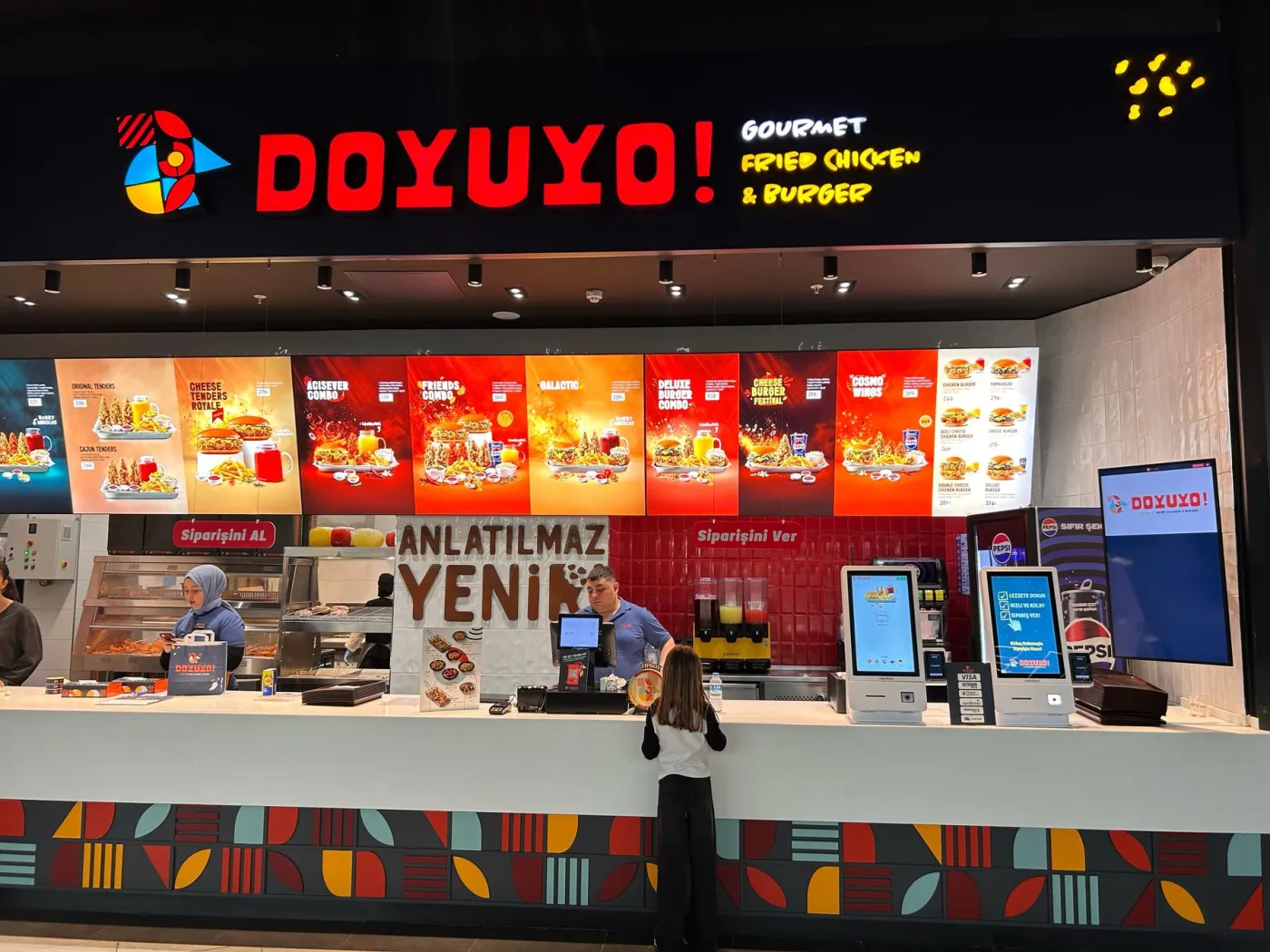
Doyuyo countertop self-service ordering point with four kiosks
Doyuyo Marmara Forum mall kiosk and POS installation
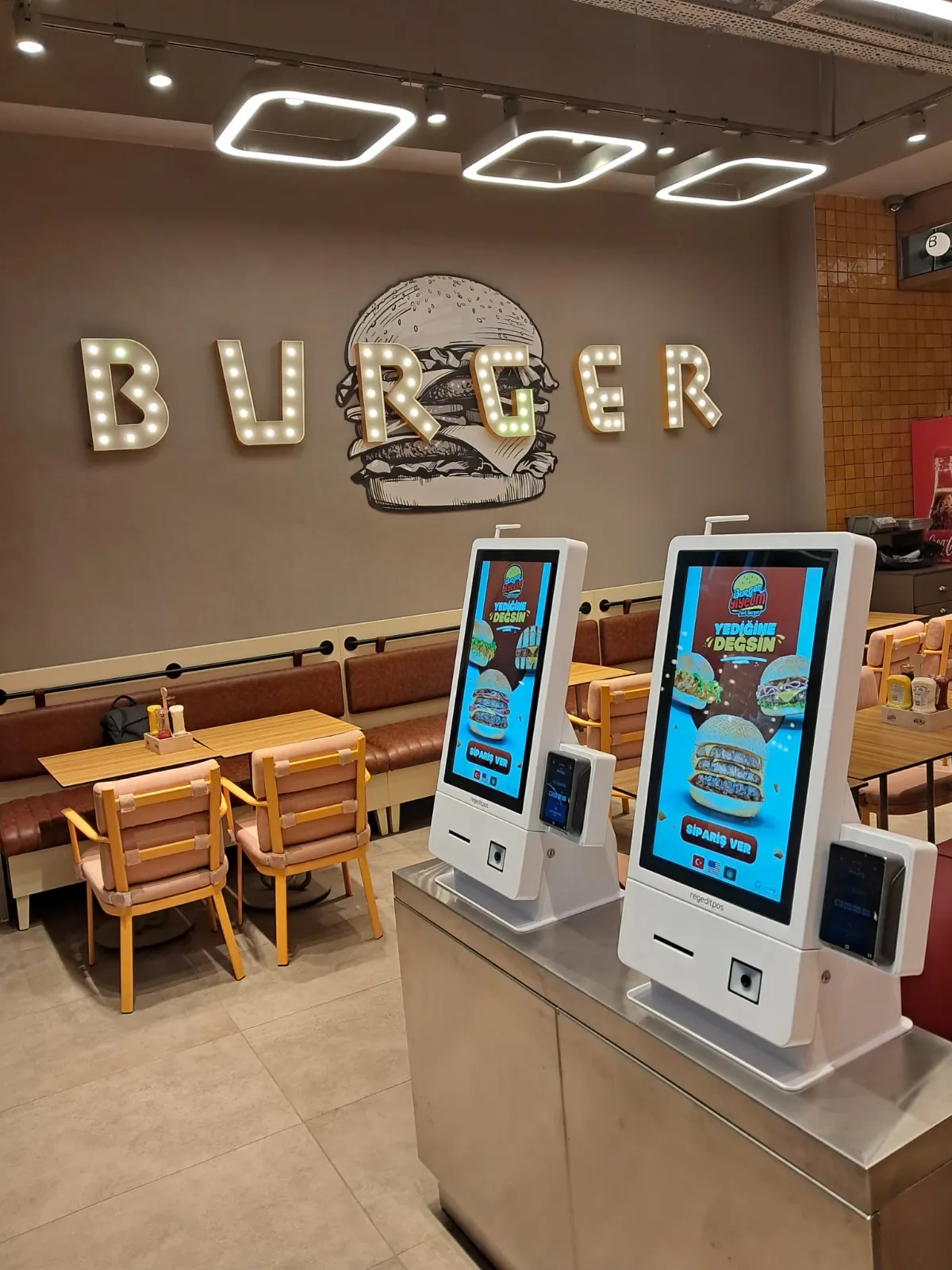
Burger Yiyelim dual kiosk ordering terminal
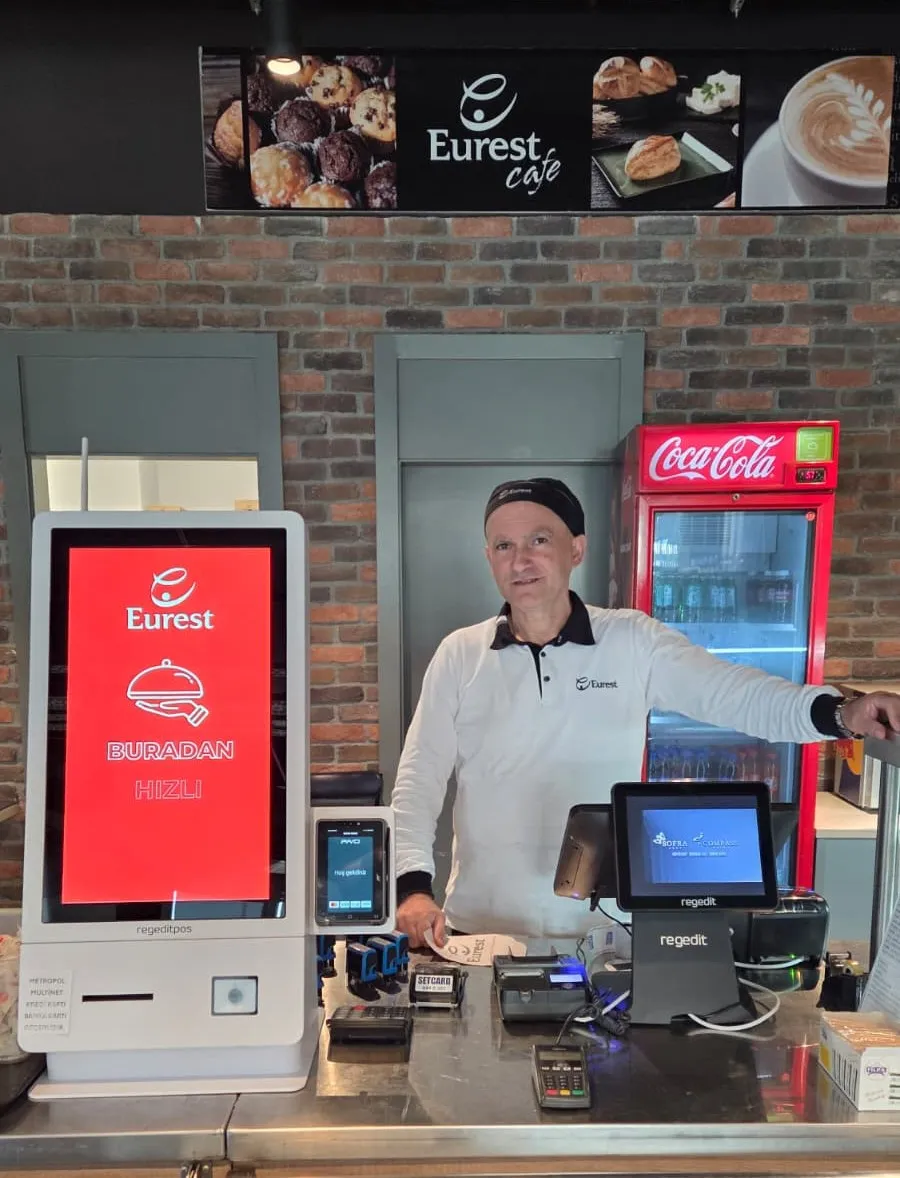
Eurest Café countertop kiosk and POS installation

Kiosk FAQ

What determines the price of a self-service kiosk?
Price depends on the model, quantity, payment terminal, software scope and installation conditions. We prepare a clear quote after a free site survey and demo.
Which payment methods are supported?
The kiosk payment bracket fits all POS terminals. Contactless, chip and magnetic card payments are taken through Pavo and Ingenico terminals.
Does the kiosk work with our counter and kitchen?
RegeditPos kiosks run as one system with RegeditPos POS and kitchen software. If you use another platform, we review integration options during the survey.
How are installation and training handled?
Installation, menu and screen configuration and staff training are carried out on site by the RegeditPos technical team, scheduled around your opening or migration plan.
What happens if something breaks?
Our technical support line is available 24/7. Products come with a warranty and after-sales technical support.
Which businesses benefit most?
Quick-service restaurants, food courts, cafés, self-service restaurants and corporate cafeterias.
Free site survey & kiosk demo

Fill in the form and we will call you during business hours to plan the right model, quantity and payment setup.

Reach us directly

Contact form

All fields are required